
Teams Translation
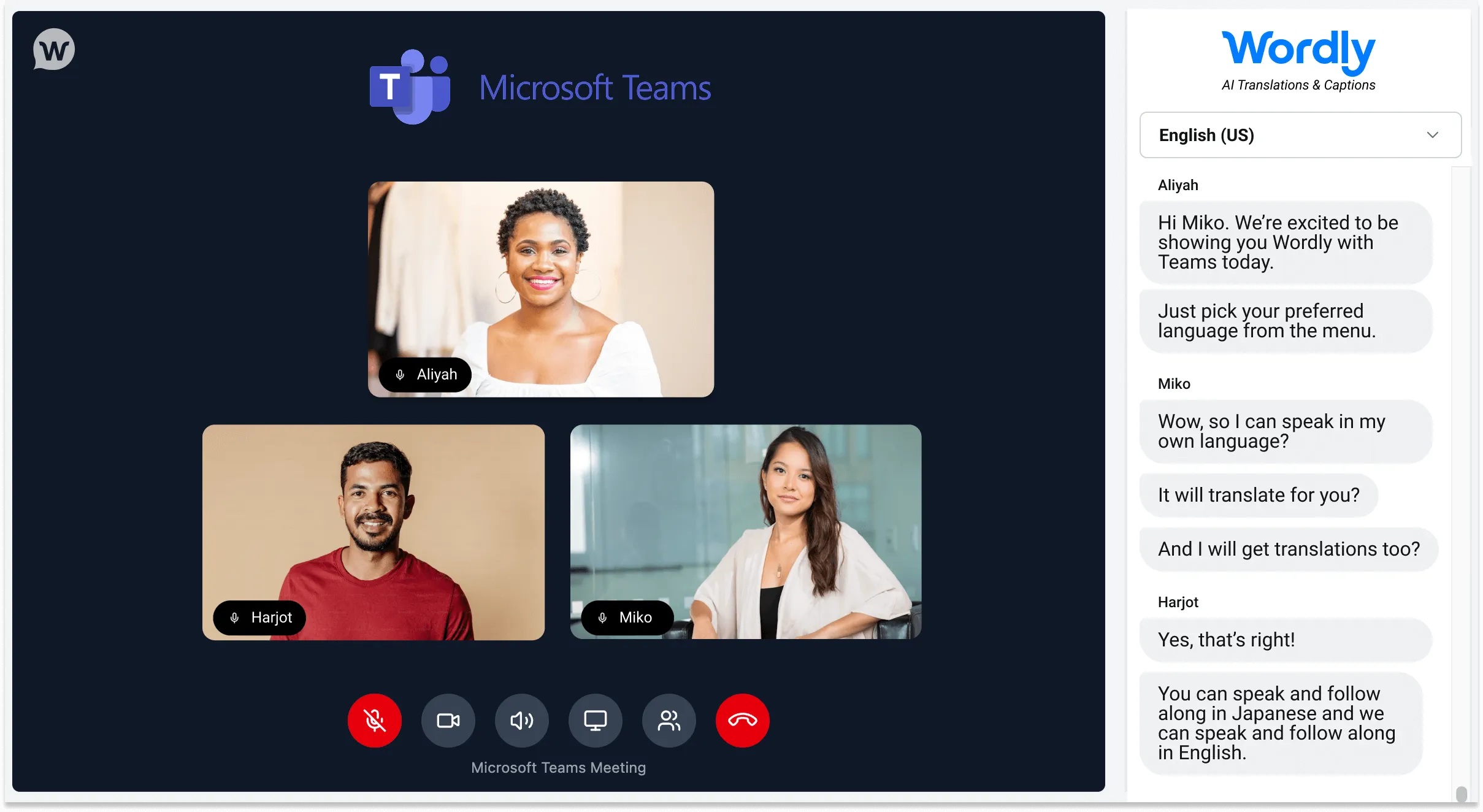
Every Microsoft Teams meeting, in dozens of languages. Wordly brings your meeting video and live translation together in a single, unified window. No barriers, no workarounds, just one link.
.avif)
.avif)
Microsoft Teams Translation and Captioning
Wordly for Microsoft Teams Translation is designed to fit naturally into your everyday workflow. Quick to launch, real-time, high quality output, and easy enough that any participant can get set up in seconds.
Whether you are hosting a global sales kickoff, a marketing stand-up, or a company-wide all-hands, Wordly ensures every participant can follow the conversation in their preferred language by reading translated captions or listening to natural-sounding translated audio, simultaneously and securely.
Make your meetings inclusive with enterprise-grade translation & captions at an affordable price
We've revolutionized the Microsoft Teams Translation experience to support the nuance of complex, multi-speaker conversations — with translated audio in dozens of languages — providing more languages than Teams offers.
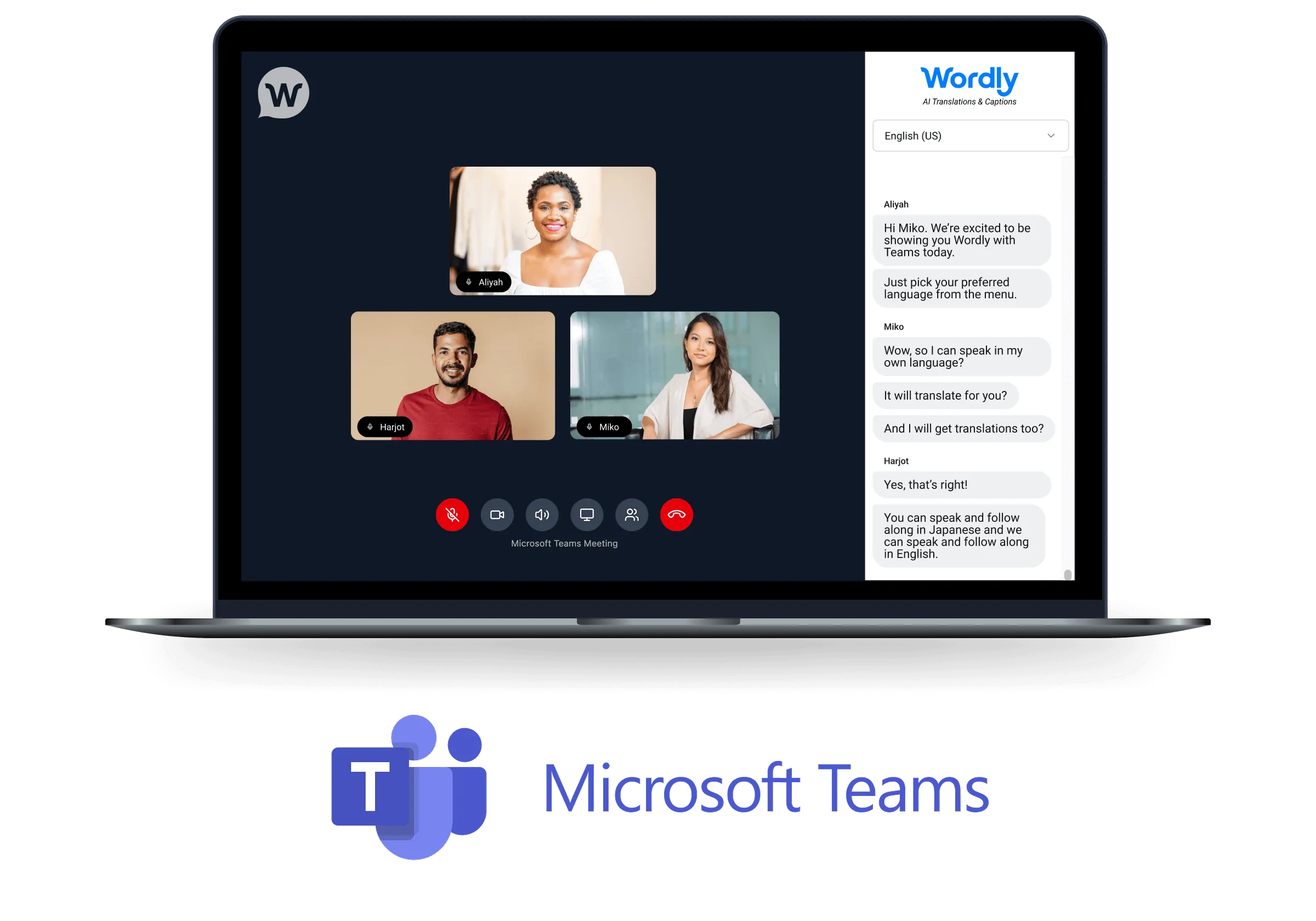
A single, streamlined view
View your Teams video feed and Wordly live translated captions in one intuitive interface. Participants can speak in their own language and read real-time translations without ever leaving the meeting environment.
Seamless speaker identification
Unlike standard integrations, Wordly’s Teams Translation application identifies each participant as a separate audio source. This results in highly accurate transcripts that clearly label exactly who said what, improving clarity for live and post-meeting review.
Real-time audio translation
Attendees can listen to natural-sounding translated audio right alongside their Teams meeting so nothing gets lost. Wordly adds more audio translation languages than Teams currently offers.
Flexible scheduling options
Integrate translation into your workflow your way. Use the scheduler to create new calendar invites with Teams Translation built-in, or use the Link Generator to add AI translation to existing Teams meetings instantly.
Quick language switching
Multilingual attendees can pin up to three preferred languages for instant switching, making it easy to follow conversations that move between languages without interrupting the flow of the meeting.
Enterprise security & control
Meeting hosts retain full control over the meeting environment, including lobby management settings to secure your sessions. Backed by Wordly’s ISO 27001 certification and SOC 2 Type II compliance, you can deploy this across your organization with confidence.
Trusted by thousands of organizations worldwide





Wordly Customer Reviews
“Easy for our AV technicians to implement and easy to explain to delegates how to use. It was problem-free from day one to the last day. Wordly enabled us to market to a French audience, increasing our registrations, and solving accessibility.”

“Wordly is easy to use. Our staff did not need to spend a great deal of time setting it up. It was as close to plug and play as possible. The attendees were able to access the translation with minimal instructions.”
“It’s remarkably accurate, easy to deploy, and versatile. We can use it across small meetings or large events, and the experience for families is seamless. If your organization values inclusivity, Wordly is a game-changer.”
.avif)
How to use Microsoft Teams Translation with Wordly
With Wordly for Microsoft Teams Translation, your meetings are multilingual in seconds. Here's how to set it up:
- Schedule your meeting: Use the Wordly Scheduler to create a new calendar invite with translation already integrated, or use the Link Generator to instantly add AI translation to an existing Teams meeting.
- Invite attendees: Share the unique, custom link with all participants. This link provides access to a browser-based, unified window that seamlessly combines the video feed with live translation.
- Engage and collaborate: Once in the meeting, participants can select their preferred language to see real-time captions, listen to translated audio, and access a live transcript that syncs perfectly with the conversation, ensuring everyone can follow along.
Every Teams Translation meeting also generates text transcripts, voice transcripts, and summaries in dozens of languages. Great for simplifying post-meeting tasks like sharing actionable next steps and sending to any teammates who couldn’t join.
Check out these Wordly resources.
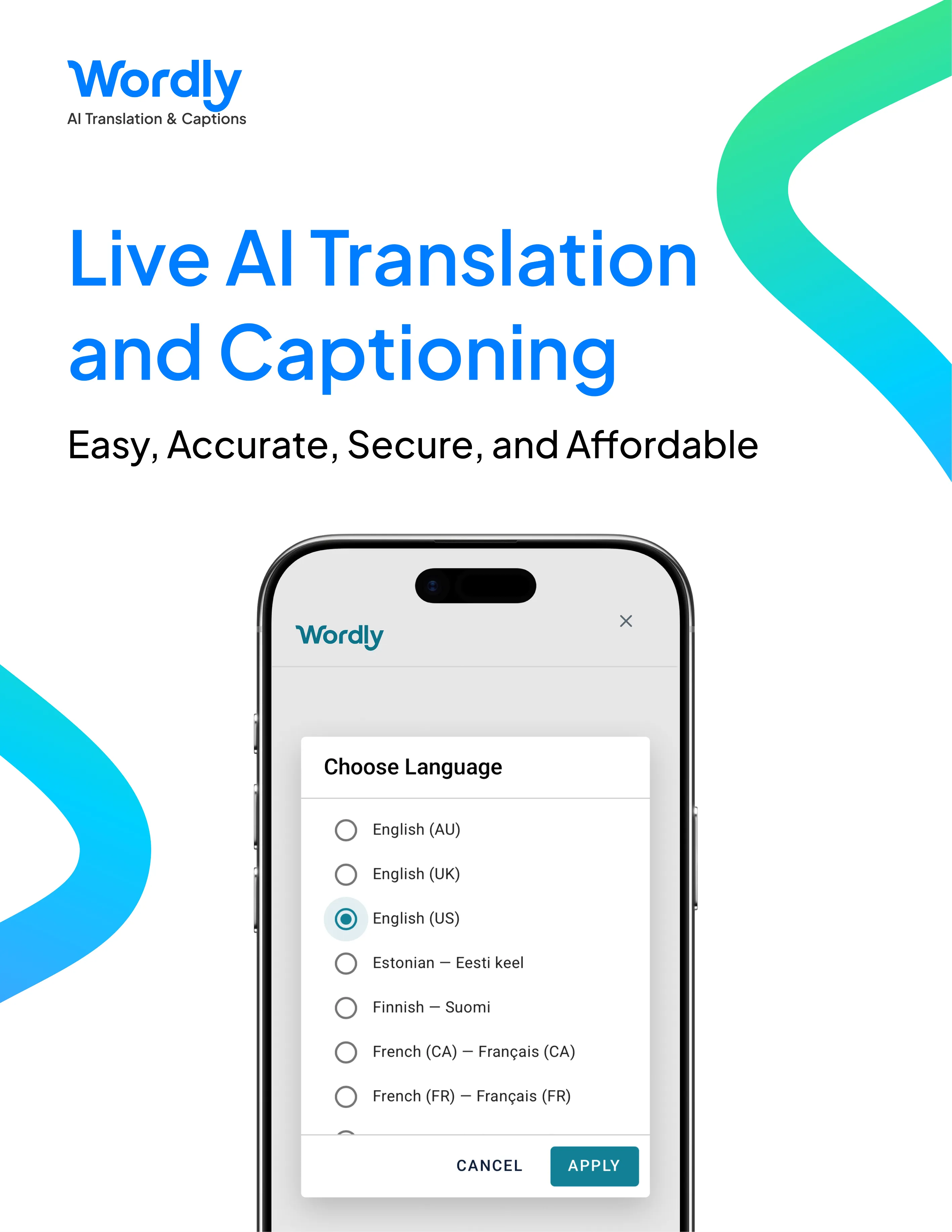
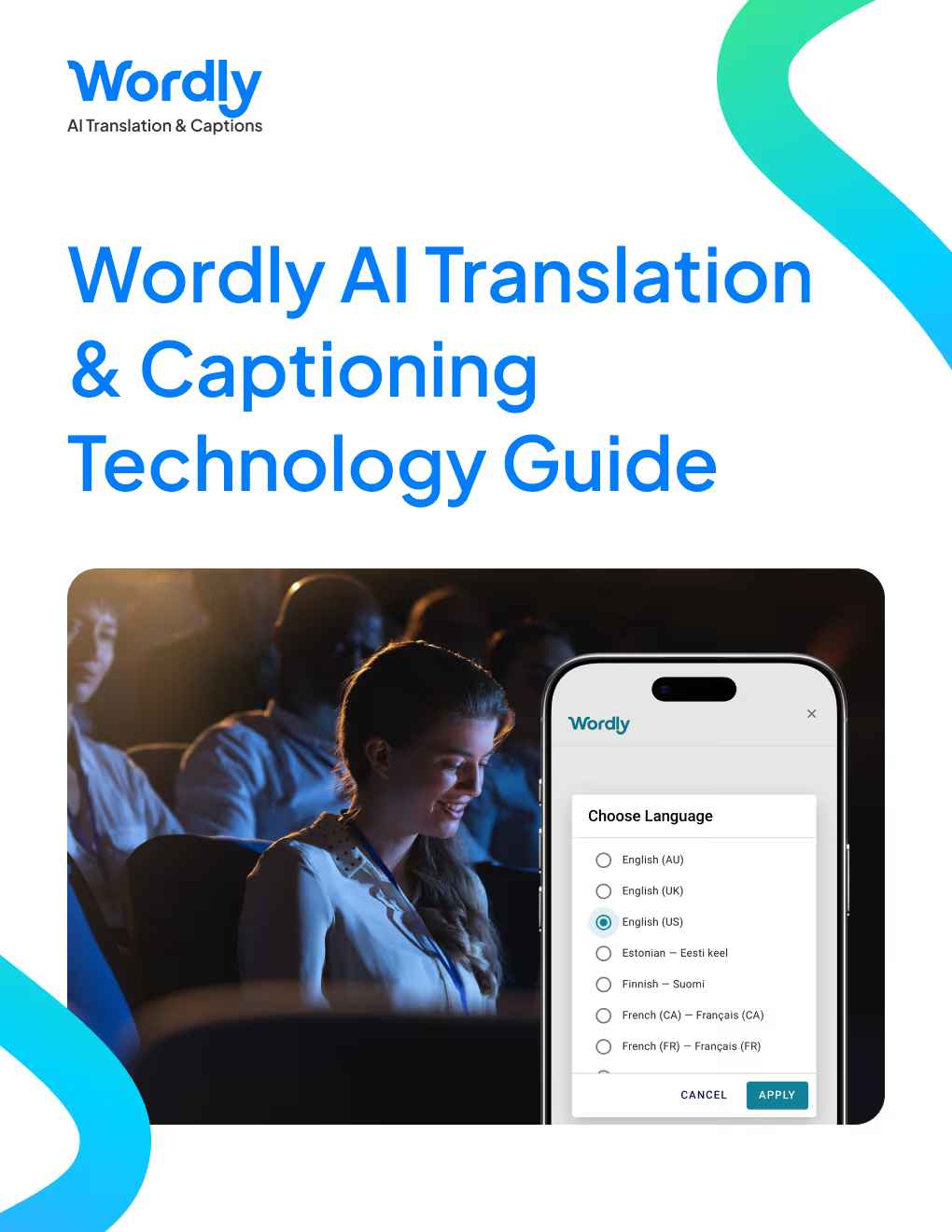
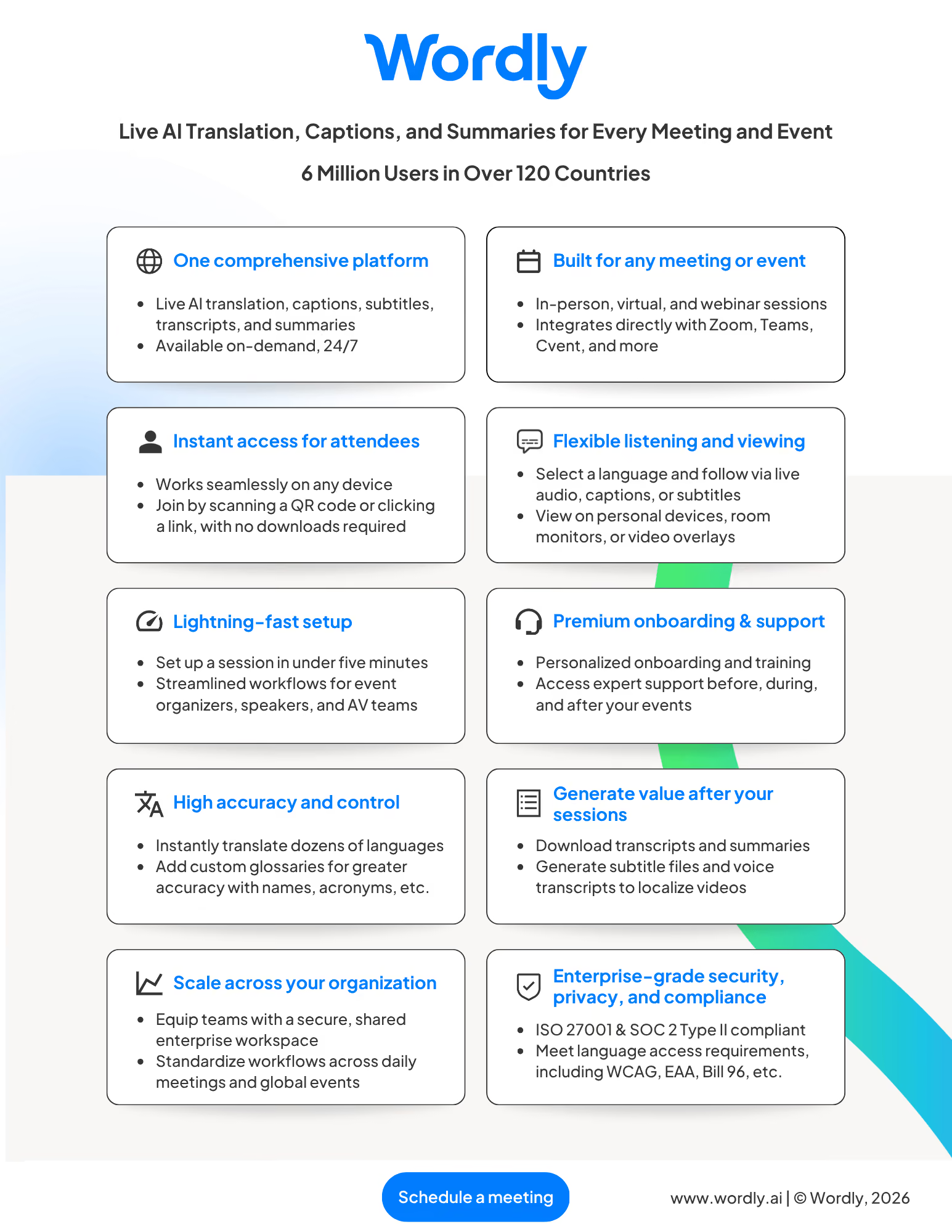
More Resources - For additional AI translation and captioning resources to make your Microsoft Teams events more inclusive and productive, visit All Resources.
Teams Translation at a Glance
Teams Translation Features
Wordly offers a wide range of features enabling you to deliver live translation for all of your meetings and events.
One key feature is:
Fast and Easy Set-up
Setting up a live translation session only takes a few minutes - and does not require any IT involvement.
See all of the Teams Translation features.
Teams Translation FAQs
Wordly provides a wide range of personalized and online assistance to get you up and running quickly.
One frequent question is:
Is there a limit on the number of languages that can be used per Wordly session?
No. Attendees can use all languages supported by Wordly in the same session.
See more questions.
Teams Translation Quotes
Customers love Wordly for our fast set up, ease of use, extensive features, and affordable pricing.
One happy customer said:
“I enjoy the fast paced translation done by the software. It makes running events quick and smooth. It's easy to configure and make sure the correct words are added to the transcript.”
See what Customers are saying.
Frequently Asked Questions about Wordly for Microsoft Teams
How does Wordly for Microsoft Teams work?
Wordly for Microsoft Teams is a browser-based application that pairs AI translation with your Teams meeting in a single, unified window. You can schedule a new meeting with translation built in using the Wordly Scheduler, or add translation to an existing meeting with the Link Generator. Participants join via a unique link that opens the meeting video feed alongside live translation and captions.
Do participants need to download any software?
No. The Teams Translation application is entirely browser-based. Participants simply click the provided link to join and access real-time translation in a unified window.
What languages are supported?
Wordly provides Teams Translation and captions in dozens of languages. Translated audio is available in more languages than Teams currently supports. Participants select their preferred language from a dropdown menu when they join.
Can I use Wordly for both scheduled and ad-hoc Teams meetings?
Absolutely! Our Teams Translation application is designed for maximum flexibility. You can use the Wordly Scheduler to plan translated meetings in advance or use the Link Generator to instantly add AI translation capabilities to any spontaneous or existing Teams meeting.
Do I need a Teams subscription to use this product?
Attendees are not required to have a Teams license to use Wordly translation. Only the person scheduling and hosting the meeting needs a Teams license.
Can we still use the Teams meeting bot if we don’t have a subscription to Teams?
Yes, you can still use the Teams Translation Wordly meeting bot option without a Teams subscription.
Wordly Platform
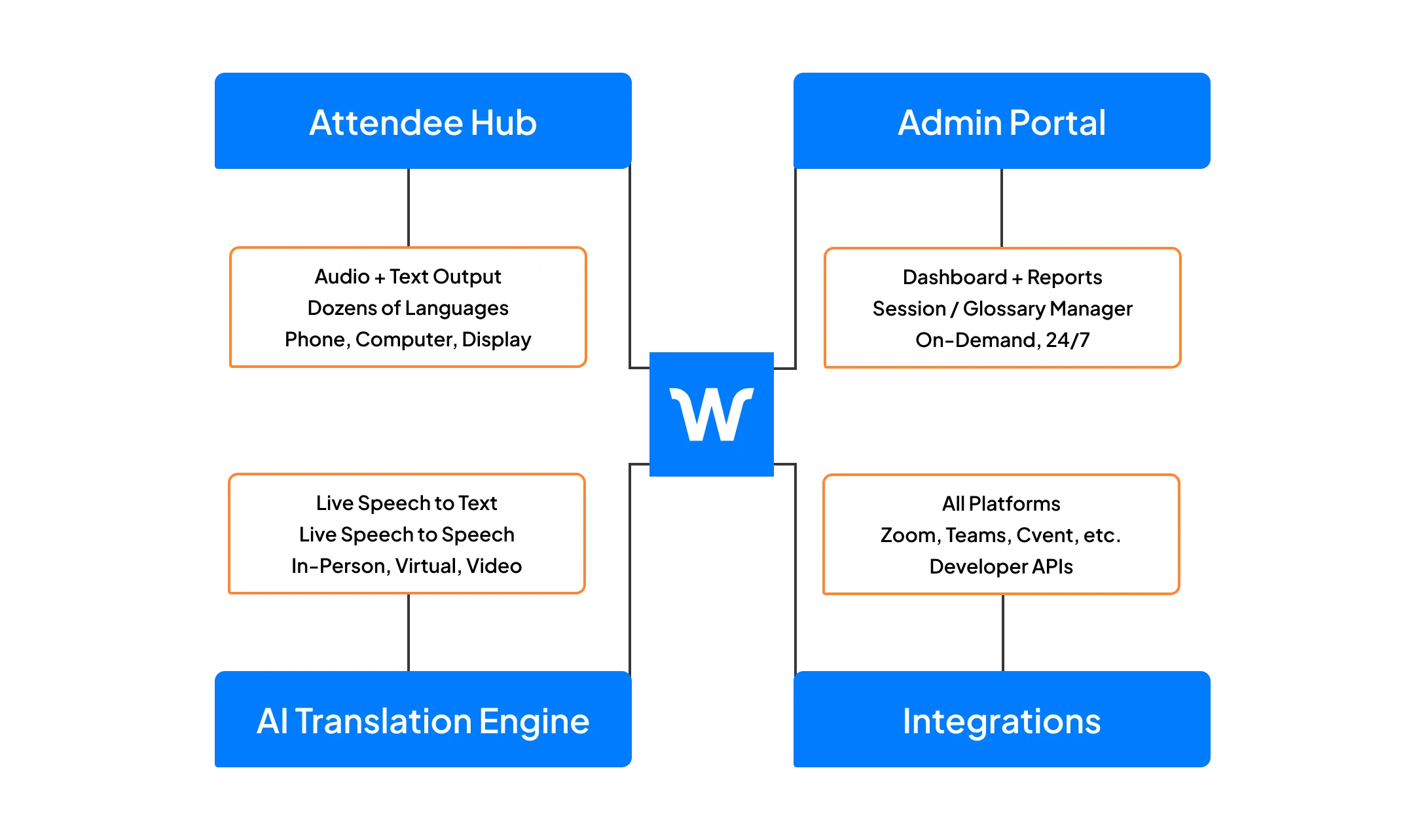
Teams Translation is part of the Wordly Platform which includes live translation and captions, along with post-event text transcripts, voice transcripts, and summaries. Use the text transcript files to create captions and subtitles for videos - and the voice transcript files to dub videos. Use the summaries for post-event content sharing and marketing programs. The Wordly Platform provides a comprehensive all-in-one AI-powered solution to meet language access needs across your organization.
.png)
.png)
%20(1)%201.webp)
Ready to learn more about Wordly?
.png)
.avif)
