AI Dubbing With Wordly Voice Transcripts
.avif)
.avif)
AI dubbing uses artificial intelligence to convert translated text into natural-sounding audio tracks for videos, allowing organizations to create multilingual versions of recorded meetings, training, conferences, and webinars without hiring voice actors or re-recording content. Wordly Voice Transcripts make AI dubbing simple: after any live Wordly session, admins can generate downloadable MP3 audio files in dozens of languages and drop them directly into any video editor — turning live events into on-demand multilingual content with no production overhead.
Table of Contents:
- What is AI Dubbing and Why Does It Matter?
- Introducing Voice Transcripts by Wordly
- How Voice Transcripts Work
- Why Voice Transcripts Matter for AI Dubbing
- AI Dubbing Use Cases Across Industries
- AI Dubbing with Wordly: A Guide to How it Works
- Frequently Asked Questions About AI Dubbing
- See Wordly Voice Transcripts in Action
Organizations today create more video content than ever: meetings, trainings, webinars, conferences, public hearings, and on-demand lessons. But once these sessions end, most of that content stays locked in a single language. Teams often want to localize their recordings for global audiences, but traditional AI dubbing workflows are complex, expensive, and slow.
That changes with Wordly Voice Transcripts.
What is AI Dubbing and Why Does It Matter?
AI dubbing uses artificial intelligence to convert translated text into natural-sounding audio tracks for videos. Instead of hiring voice actors or re-recording content, AI dubbing lets organizations instantly create localized versions of their recorded sessions.
Why this matters:
- Global audiences want content in their preferred language
- Compliance standards increasingly require accessible multimedia
- Multilingual videos improve reach, retention, and overall content ROI
- Teams want fast, simple workflows that do not require production expertise
AI dubbing has traditionally been complicated. Wordly Voice Transcripts make it easy.
Voice Transcripts are an extension of Text Transcripts which are also available after every Wordly session.
Introducing Voice Transcripts by Wordly
Voice Transcripts (aka AI Dubbing) generate multilingual MP3 audio files directly from your Wordly transcripts. After any meeting or event, admins can log into the Wordly Portal, choose their languages, and create downloadable audio files that can be imported into any video editor.
This gives your team everything needed to add multilingual voiceovers without re-recording or hiring external talent.
With Voice Transcripts, you can create:
- AI dubbed audio tracks for recorded events
- Multilingual voiceovers for training videos
- Localized content for global audiences
- Accessible audio records for compliance and transparency
Voice Transcripts are available for all users with Transcript Translation functionality on Wordly Pro+, Corporate, Corporate+, Enterprise plans.
How do Wordly Voice Transcripts work?
Voice Transcripts build directly on Wordly live translation, and the process only takes a few minutes. After your session ends:
- Log into the Wordly Portal
- Open your session transcript
- Select one or more languages
- Translate the transcripts
- Generate MP3 voice transcripts
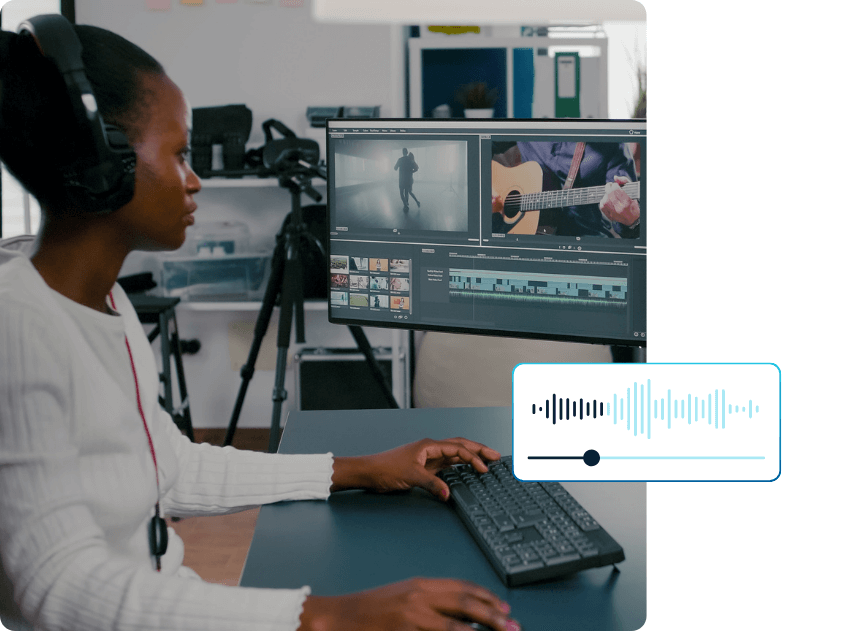
- Download and drag them into any video editor
You can use Adobe Premiere Pro, Final Cut Pro, DaVinci Resolve, or any platform that accepts MP3 files.
Text transcripts are also available in multiple formats, giving teams both written and audio records for every meeting. It is a clean, end-to-end workflow for transforming live sessions into multilingual digital assets.
Why Voice Transcripts Matter for AI Dubbing
Voice Transcripts make AI dubbing practical for teams that need quality, speed, and simplicity. Key benefits include:
1. Turning Live Translation Into Long-Term Assets
Your live translation becomes the foundation for video-on-demand libraries, training content, and global communication.
2. Global Reach for Recorded Content
Localize your entire video library in dozens of languages and make it instantly accessible to international audiences.
3. Simplified Production
No studios. No re-recording. No coordinating voice talent. Just a simple workflow that turns text into natural audio.
4. Full Accessibility and Compliance
AI transcription powers both text and audio transcripts that support accessibility guidelines and language access requirements across industries.
5. Consistent, Reliable Output
Every audio file is generated using the same workflow, ensuring consistent quality across your entire video library.
Which industries use AI dubbing?
Wordly Voice Transcripts (AI Dubbing) give teams across every industry a simple way to create multilingual audio content that fits seamlessly into existing workflows.
Conferences and Events
Extend the life of conference sessions with multilingual recordings.
Key benefits:
- Multilingual VOD libraries
- Expanded global reach and monetization
- No costly voice-over production
Government
Public institutions need accessible, transparent audio records of meetings and hearings.
Key benefits:
- Meet language access mandates
- Improve public trust with multilingual records
- Provide verifiable audio documentation
Enterprises and Corporate Teams
Global teams need localized training and consistent communication.
Key benefits:
- Localized onboarding and compliance videos
- Better team alignment across languages
- Secure text and audio records for governance
Associations and Nonprofits
Engage diverse membership and improve transparency.
Key benefits:
- Multilingual content for members and donors
- Clear board updates in multiple languages
- Better reporting and accountability
Education
Create multilingual learning and communication environments.
Key benefits:
- Localized lecture review
- Improved parent engagement
- Multilingual staff development resources

AI Dubbing with Wordly: A Guide to How it Works
What sets Wordly apart is how seamlessly Voice Transcripts connect to the real-time translation you already use during your live meetings and events. The same platform that provides instant multilingual support now gives you downloadable audio files that can be added directly to any recorded video.
Everything works in one unified workflow that becomes available immediately after your session ends. There is no re-recording, no coordinating production teams, and no switching between multiple tools. You simply generate your multilingual MP3 files, drag them into your video editor tool, and publish. It is the fastest and most accessible way to turn live sessions into global content.
This level of simplicity is exactly why AI dubbing is quickly becoming essential for organizations of all sizes. Voice Transcripts give you the ability to:
- Create multilingual video libraries
- Improve accessibility and compliance
- Reach global audiences in their preferred language
- Reuse and repurpose recordings without recreating them
- Maximize the ROI of every meeting, training, and event
Live translation and captions is only the beginning. With Wordly Voice Transcripts, every session becomes a fully localized, on-demand asset that can reach anyone, anywhere.
Frequently Asked Questions About AI Dubbing
What is AI dubbing?
AI dubbing is the process of using artificial intelligence to convert translated text into natural-sounding audio. It allows organizations to create multilingual voiceovers for videos without hiring voice actors or re-recording content.
How does Wordly use AI dubbing?
Wordly uses AI dubbing to generate multilingual MP3 Voice Transcripts from your session’s translated text. These audio files can be added directly to recorded videos to create seamless multilingual versions.
What types of content can be AI dubbed with Wordly?
Any recorded content can be dubbed, including webinars, trainings, conferences, staff meetings, lectures, public hearings, and video-on-demand libraries.
How many languages can be used for AI dubbing?
Wordly supports AI dubbing in dozens of languages, helping you localize your videos for global audiences with minimal effort.
Do I need advanced video editing skills to use AI dubbing?
No. Wordly Voice Transcripts are simple MP3 files you can drag and drop into popular editing tools like Adobe Premiere Pro, Final Cut Pro, and DaVinci Resolve. No advanced editing experience is required.
How quickly can I create AI dubbed audio files?
You can generate Voice Transcripts immediately after your Wordly session. Admins simply log into the Wordly Portal, select languages, and create downloadable MP3 files in a few clicks.
Can I use AI dubbing for internal and external audiences?
Yes. AI dubbing is valuable for employee training, customer education, community engagement, public transparency, and global communications.
See Wordly Voice Transcripts in Action
Ready to scale your content, improve accessibility, and reach global audiences with AI dubbing? Schedule a quick demo and see how Voice Transcripts turn every meeting, training, and event into multilingual assets you can use again and again.
Recent Wordly Updates
Wordly Workspaces: The Command Center for Enterprise Translation Management
Wordly Workspaces gives enterprise teams a central platform to manage translation, captions, and post-event content across multiple events, users, and departments — pairing naturally with Voice Transcripts to scale multilingual video libraries across the organization. Learn about Workspaces.
Wordly’s Latest Updates for More Accessible, Multilingual Meetings & Events
A roundup of recent Wordly product enhancements across translation, captions, transcripts, and summaries — designed to make multilingual meetings and events more inclusive at every stage from live sessions through post-event reporting. See the latest product updates.


.png)